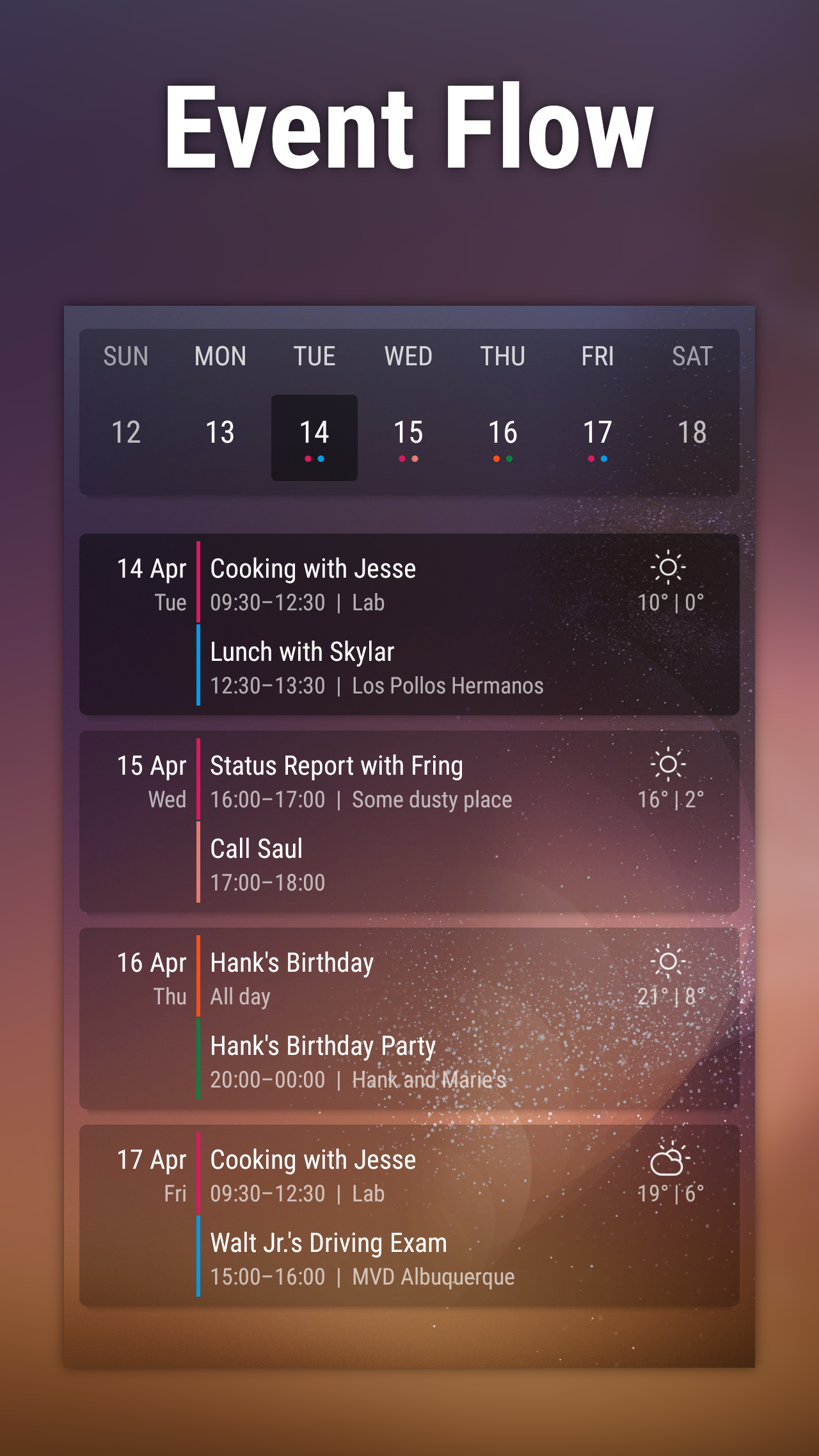
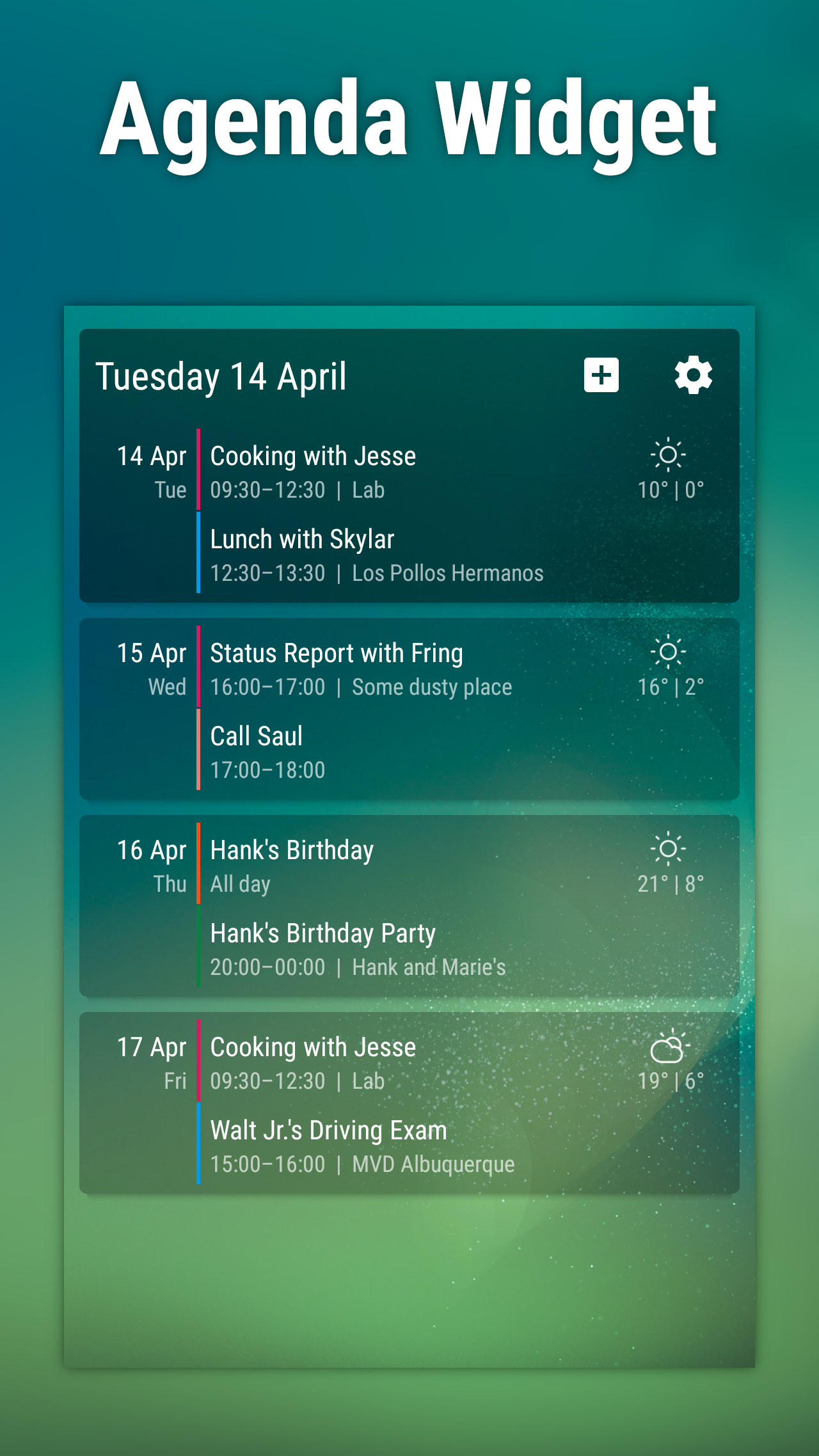
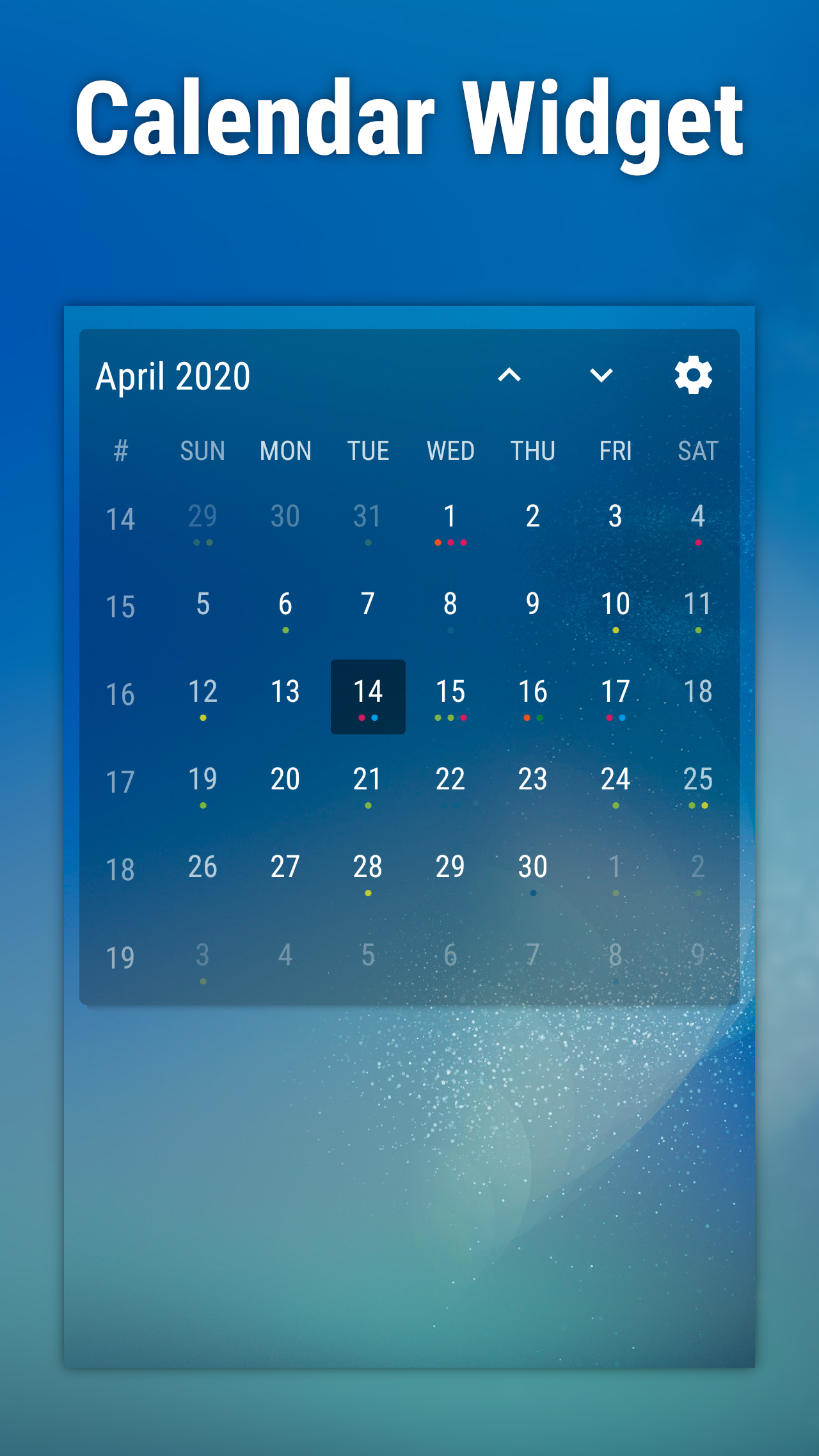
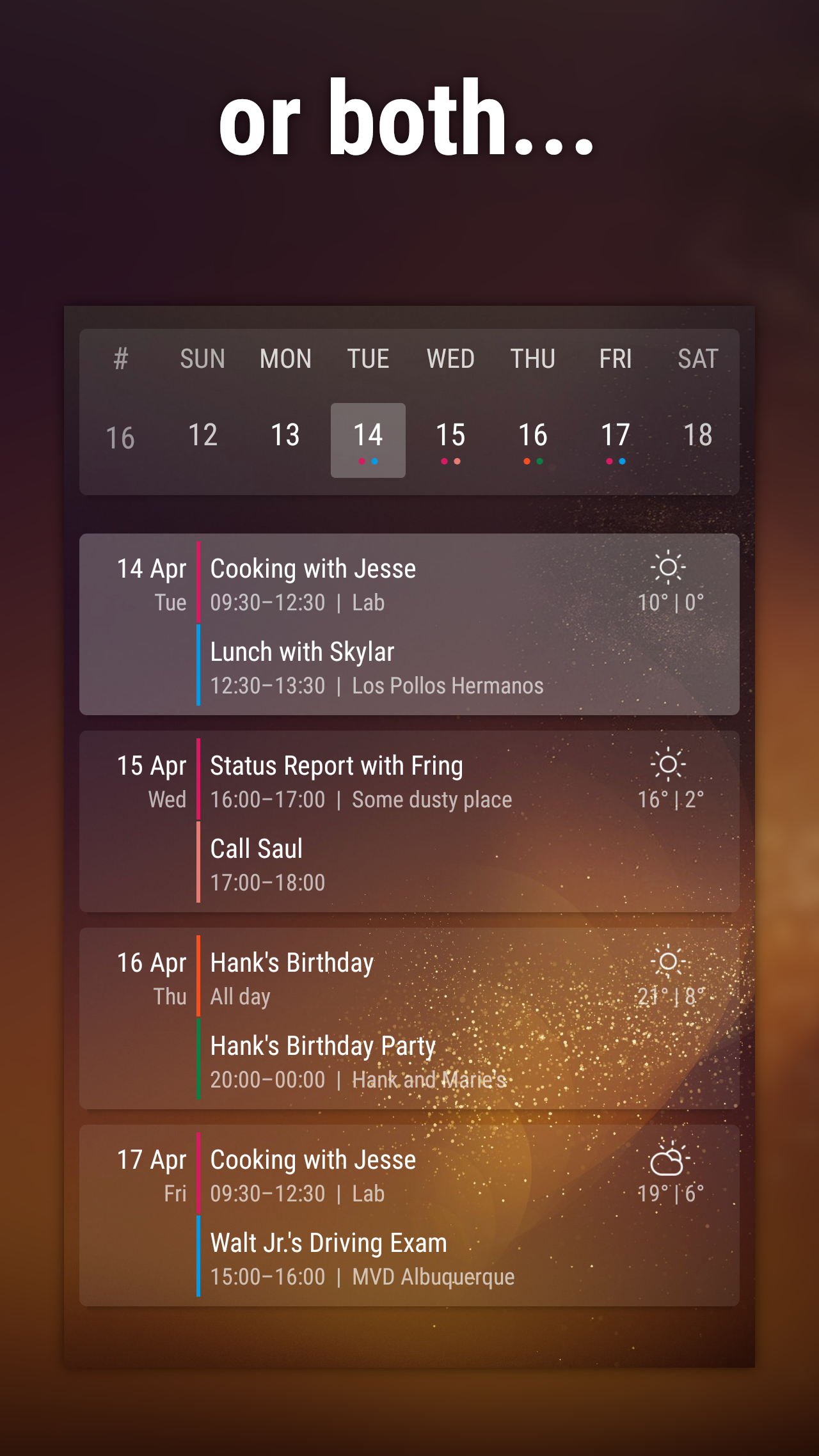
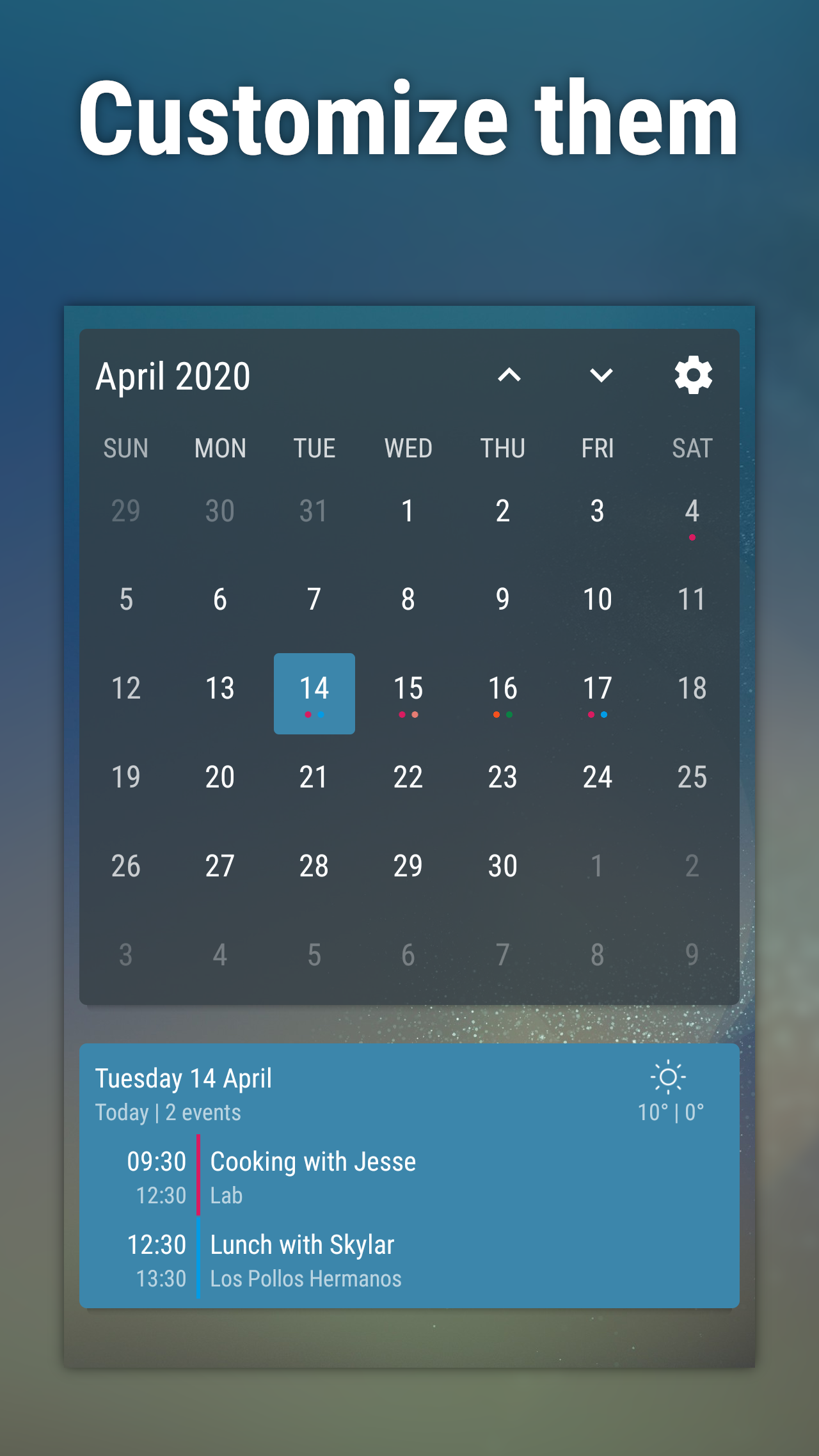
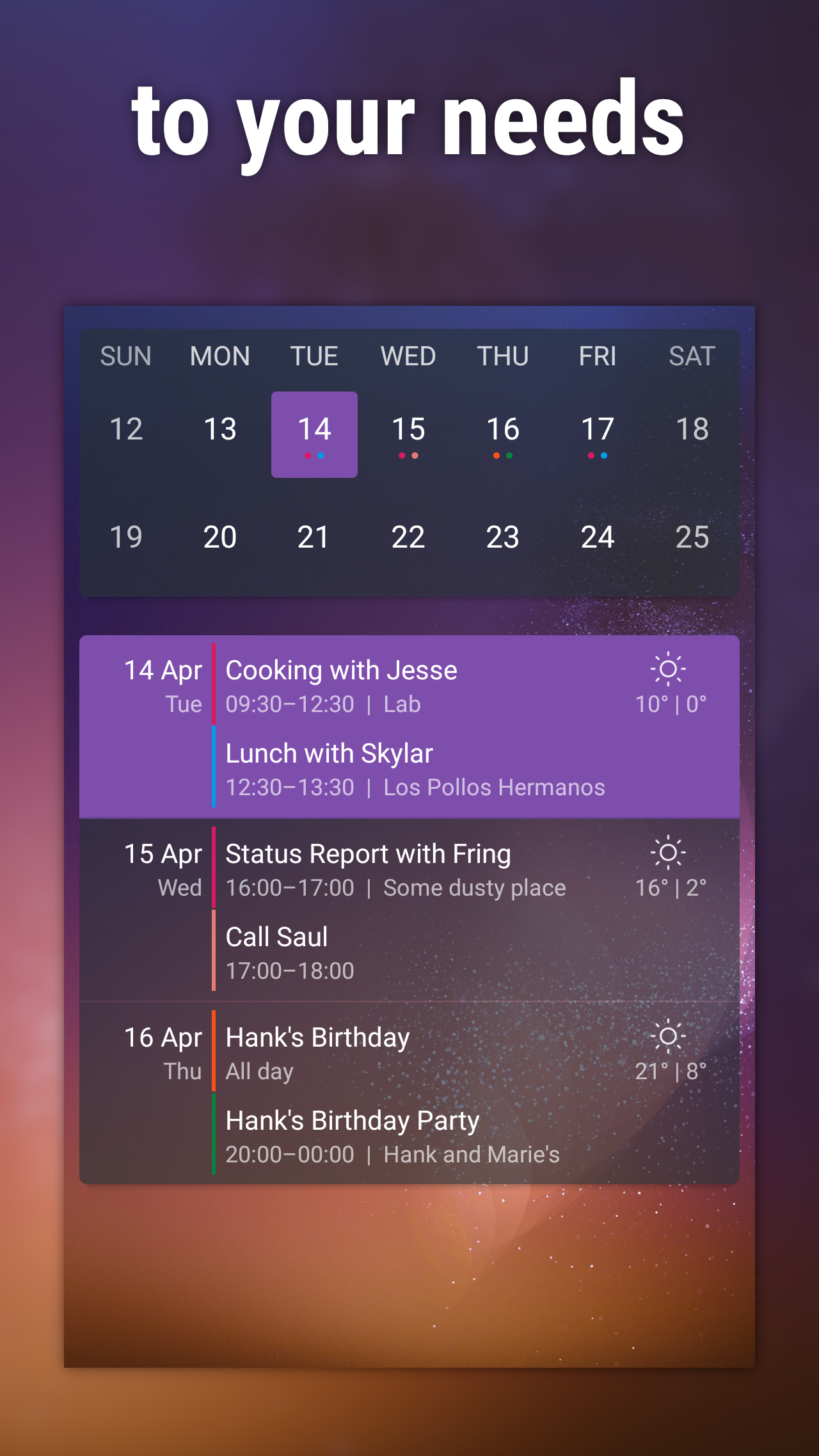
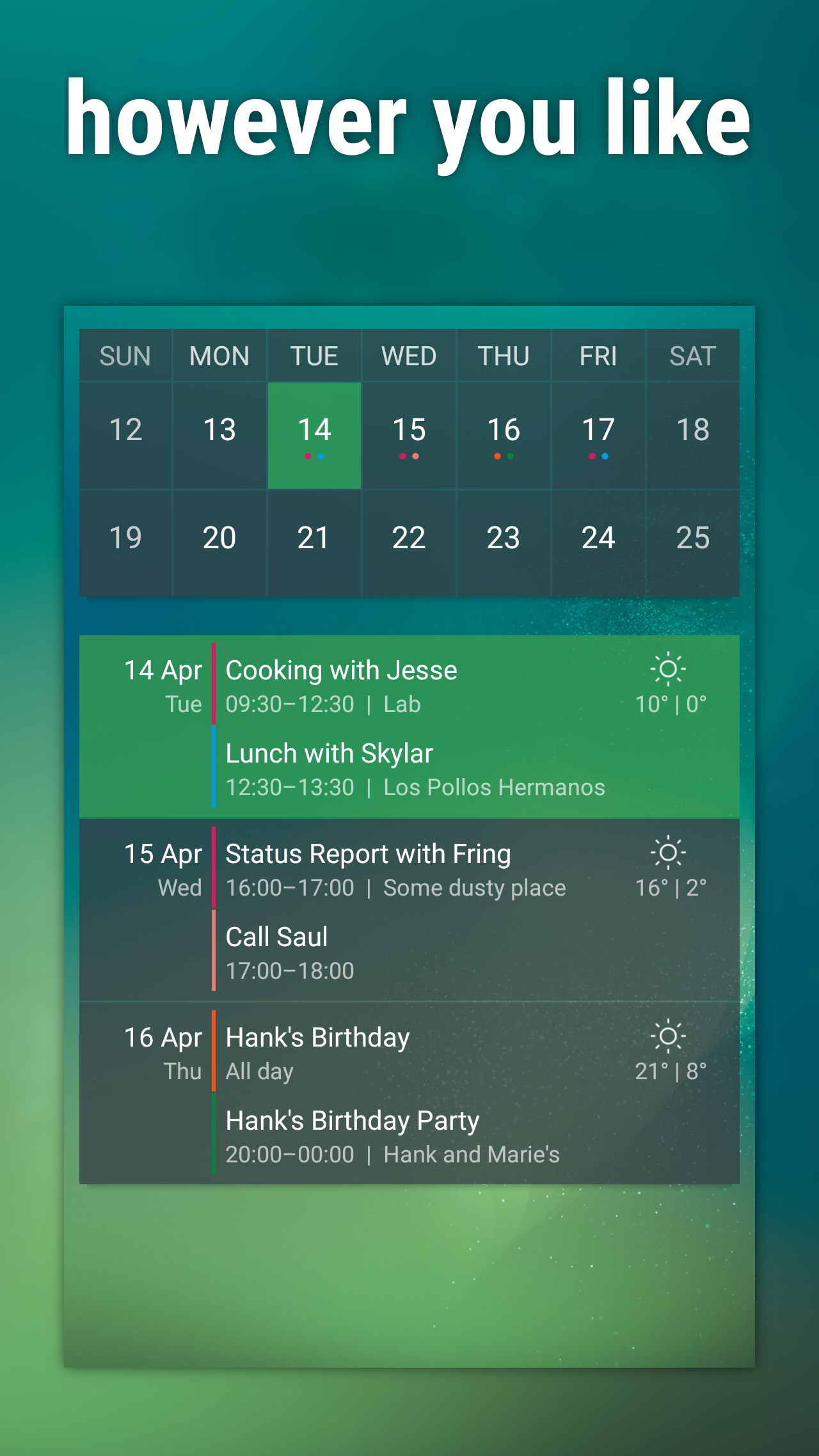
At your fingertips, Event Flow offers an easy-to-use and stylish calendar widget to keep you organized and informed about upcoming events. With options to customize colors, fonts, and display layouts, this widget lets you personalize your schedule to suit your unique style. Whether you prefer a monthly view or a daily agenda list, Event Flow has you covered. Plus, with the premium version, you can even access weather forecasts for up to five days right from your widget. Stay on top of your schedule effortlessly with Event Flow, available for download on Google Play.
Features of Event Flow:
> Personalization Options: Event Flow offers in-depth customization, allowing users to alter background and font colors, choose font type and density, modify headers, and more.
> Weather Forecast: Premium users can access a weather forecast for up to five days directly on the agenda widget, helping them plan their events accordingly.
> Predefined Themes: The app provides attractive default themes for colors, fonts, and various settings, making it easy for users to enhance their calendar widget's appearance.
> Easy Visibility: Users can select specific calendar events they want to be visible on the widget, ensuring they have quick access to the information they need.
Playing Tips
> Adding the Widget: Place Event Flow on your homescreen from the widget menu by long-pressing an empty space, selecting "Widgets," and dragging the desired widget onto the screen.
> Refreshing the Widget: Ensure that your device's battery-saving features are not hindering the widget's updates, as it requires regular refreshing to display accurate event information.
> Configuring Color Schemes: To choose specific colors for options, tap the central circle in the color selection tool and input the Hexadecimal code for your desired color.
> Troubleshooting Issues: If certain calendars are not appearing or syncing, refresh the calendar and contacts in your device's settings, or try adding your Outlook/Exchange account to access those calendars through Google's Calendar app.
Conclusion
Event Flow is a versatile and user-friendly calendar widget that offers a plethora of attractive features and customization options. From in-depth personalization to weather forecasts and predefined themes, this app caters to users looking for a convenient and visually appealing way to manage their schedules. By following a few simple playing tips, such as adding the widget to your homescreen and troubleshooting any syncing issues, users can make the most of Event Flow's functionalities and streamline their event planning process. Download Event Flow now to enhance your scheduling experience!